
Adobe released After Effects 26.5 in September with a group of updates that are easy to overlook. There is no single feature here that completely changes motion design. What Adobe did instead was clean up several parts of the day-to-day workflow that can slow a project down.
The release adds percentage-based guides, edge pinning, individual guide colors, persistent disk caching for Object Matte, effect color labels, a rebuilt Effect Controls panel, and native ACES 2.0 support through an updated OpenColorIO library.
That may not sound as exciting as a new generative tool, but these are the kinds of changes I pay attention to. Small improvements matter when you repeat the same actions hundreds of times across a real project.
Guides finally make more sense across formats
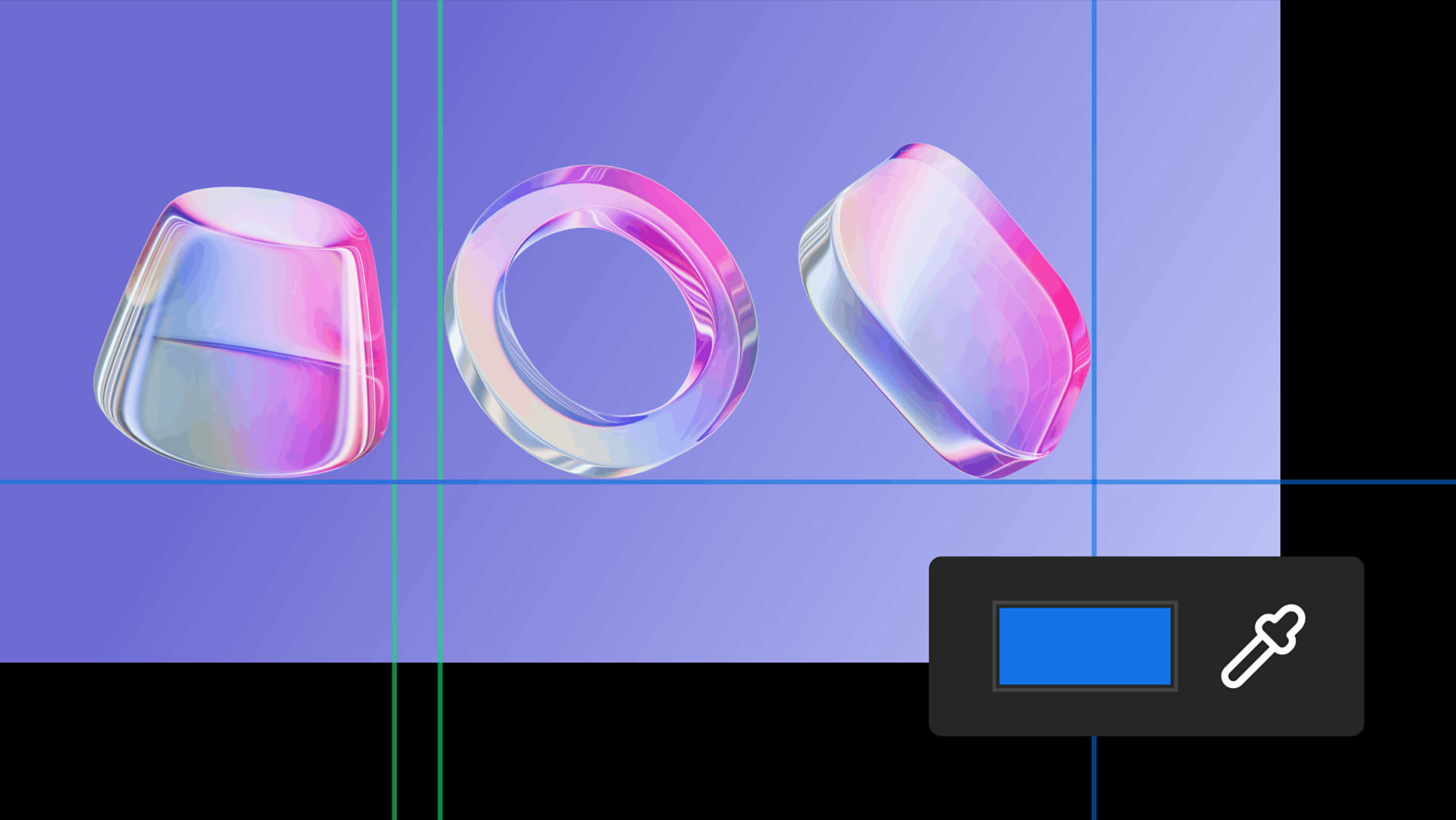
The new guide system is probably the most immediately useful update for motion designers creating multiple versions. According to Adobe’s guide documentation, guides can now be positioned by pixels or percentages, pinned to any edge, and assigned individual colors.
Percentage-based positioning is the part that stands out. A guide placed at 10 percent stays at 10 percent when the composition dimensions change. A guide pinned to the right or bottom edge can also hold its relationship to that edge instead of depending on one fixed pixel position.
For anyone building 16:9, square, vertical, and other campaign versions, that is useful. It does not automatically redesign a layout for every format, but it gives you a more reliable structure while you make those decisions. Adobe also says guide templates can move between After Effects and Premiere while preserving colors and positioning behavior in the latest 26.5 versions.
Object Matte can hold onto its work
Object Matte arrived earlier this year as Adobe’s AI-assisted way to select, isolate, and track a subject. In 26.5, propagated results can be stored in the disk cache. The Object Matte documentation says the cache markings in the Timeline show which frames are stored and ready to play back.
The practical value is simple. Closing a project should no longer mean throwing away all of that propagated matte work. Adobe says the disk cache keeps those results after the project closes, which can reduce RAM use and avoid repeating the same analysis on longer clips.
I would still check the matte carefully before treating it as finished. Hair, motion blur, transparency, soft edges, and fast movement can expose problems in any automated isolation tool. The update does not replace review. It makes the review loop less wasteful.
Effect labels are small but useful
After Effects now lets you assign a color label to each effect instance in the Effect Controls panel. The panel itself has also been rebuilt on a newer framework with updated icon-based controls.
Color labels will not matter much on a layer with one or two effects. On a treatment built from several blurs, distortions, color adjustments, mattes, and utility effects, they can make the stack easier to scan. You could separate corrective work from the creative treatment, identify effects tied to a specific pass, or make repeated setups easier to understand when another artist opens the project.
The value depends on using the labels consistently. Random colors create more noise. A simple project convention could make the feature genuinely helpful.
ACES 2.0 is the bigger pipeline update
After Effects 26.5 upgrades OpenColorIO to version 2.5.1 and adds native ACES 2.0 workflows. Adobe includes ACES 2.0 CG v4.0 and ACES 2.0 Studio v4.0 configurations. The official ACES documentation explains how to choose an OCIO configuration, working color space, and display transform inside Project Settings.
This is not a feature everyone should turn on without a reason. Color management needs to match the footage, the rest of the pipeline, and the final delivery. But for work moving between VFX, motion design, finishing, HDR, and multiple displays, current ACES support helps After Effects fit into a more predictable color-managed workflow.
The update is mostly about reducing friction
My read on 26.5 is that Adobe is paying attention to the parts of After Effects that become annoying under real production pressure. Guides need to survive format changes. Mattes should not need to be propagated again. Long effect stacks need better organization. Color needs to stay predictable between tools.
None of that decides the idea, animation, timing, or final look. It gives the artist a cleaner place to make those decisions.
Adobe’s complete list is available in the After Effects 26.5 What’s New page. If you need motion design, animation, and editing handled as one connected post-production process, you can also reach out here.