
The main reason I started CutSeeker was to simplify organizing my media. You get in a hurry, projects are rushed, and sometimes you just don’t have time to organize the files you’ve downloaded. Then finding them later becomes a chore too. I wanted a way to remedy that. That’s still what I’m building around, including the parts of the app that happen before you’ve even started searching.
The November 18 update focuses on startup. When you’ve already used a library and there are saved browse pages available, CutSeeker can show those while the catalog connects. You can get back to the saved view instead of waiting for the live catalog before anything appears. It doesn’t make every search instant. It separates getting something useful on screen from being ready to answer a new question.
Keep the last useful view available
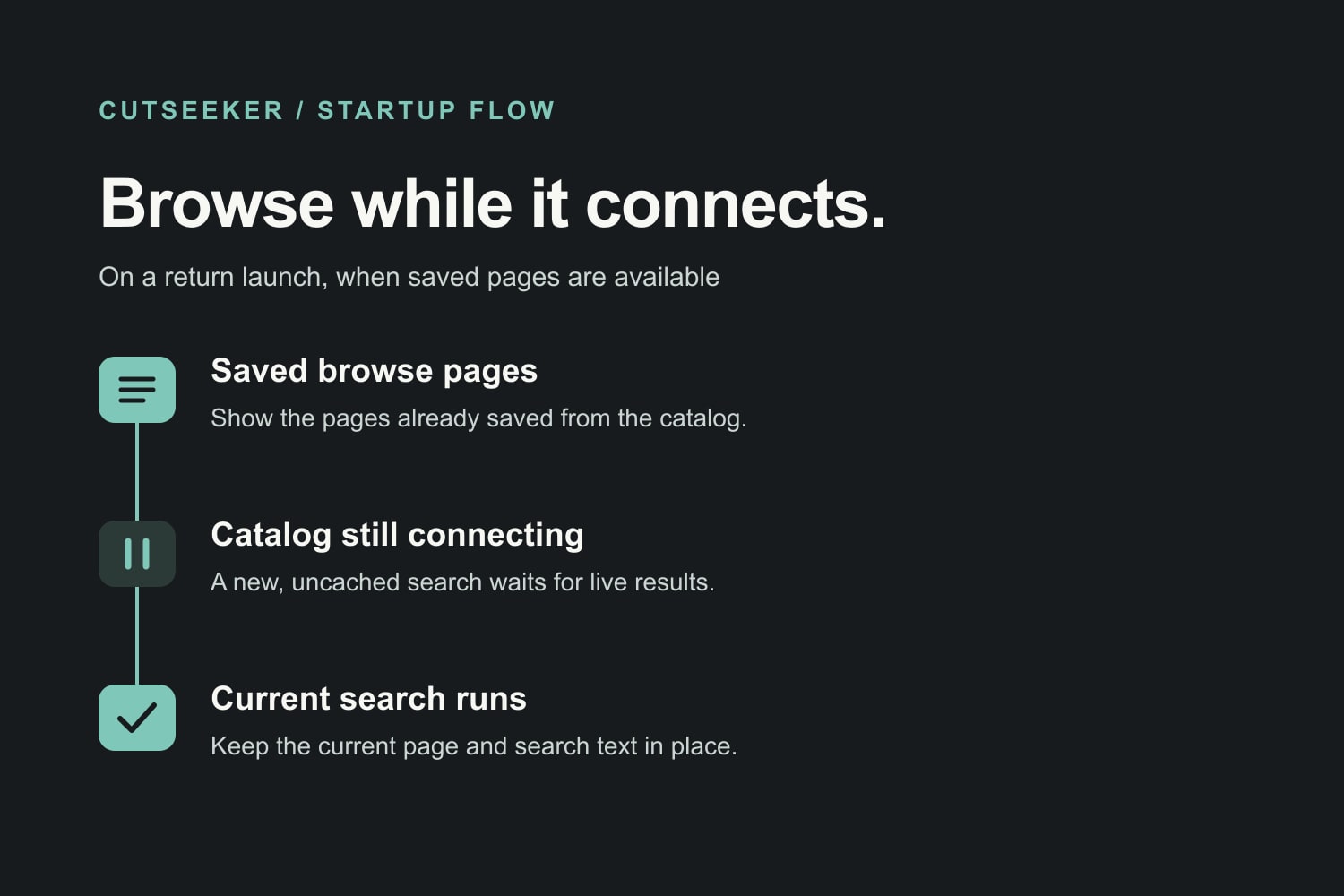
CutSeeker saves default browse pages from the live catalog for the library, video, music and sound effects. On a return launch, it can use those saved results along with the Home cards while startup continues. The November 18 checks covered those pages before the live connection was ready, so the change is about more than getting the window to open.
A window that opens quickly but doesn’t show anything useful still leaves you waiting. If you’re coming back to look through media, being able to see the saved page gives you somewhere to start. That’s the part I want to keep improving. The first screen should help you get back to what you were doing, even when the rest of the library needs a little longer.
A saved page isn’t a new search result
There’s a limit to what that saved view can tell you. It reflects information the app already had. If you type a new query that doesn’t have saved results, CutSeeker waits for the live catalog. It shows that the search will run when the connection is ready instead of leaving unrelated saved rows on screen as if they answered the new search.
That matters because an old list can look convincing. Say you were browsing music, then enter a search for a particular sound effect. Leaving the music results there while the query waits would make it harder to tell what the app is showing you. I’d rather have a clear waiting message than a full screen that looks ready but doesn’t match what you asked for.
Once the catalog connects, the current query runs. The search text and the page you’re on stay in place. And if you change the query while it’s waiting, the earlier request shouldn’t run later and replace the one you actually want. Those are small details, but they decide whether the app feels like it’s following what you’re doing.
Saved browsing doesn’t replace the library
This is for returning to information that’s already been saved. A first launch without those pages still needs the catalog. And seeing a saved record doesn’t prove the original media is currently available. The list and the actual file are two different things. If the storage isn’t connected, a remembered result can’t make that file accessible.
These are saved browse pages, not a copy of every result the library could return. Asking for a different set of results can still need live data. I don’t want a fast first page to suggest the whole library is ready when it’s really showing a useful starting point.
I also don’t want a startup change to become an excuse to reorganize media in the background. This update is about showing saved information sooner. It isn’t moving files, renaming them or deciding where they belong. That’s separate work, and the choice to organize something still needs to be deliberate.
Check what becomes usable, not just what opens
The November 18 desktop check confirmed that Home, Library and Video appeared from saved results before the live catalog was ready. Separate fixture checks covered new queries waiting for the connection and the current search running afterward. That’s the distinction I’m looking at here: the first useful view and the point where fresh results are available.
I’m not treating that as a promise that every computer or library will take the same amount of time. It’s a change in how startup works. For the kind of editing and motion design work I do, getting back into the media is what matters. I want CutSeeker to show what it already knows, be clear about what it’s still waiting for, and let me keep going when it’s ready.