
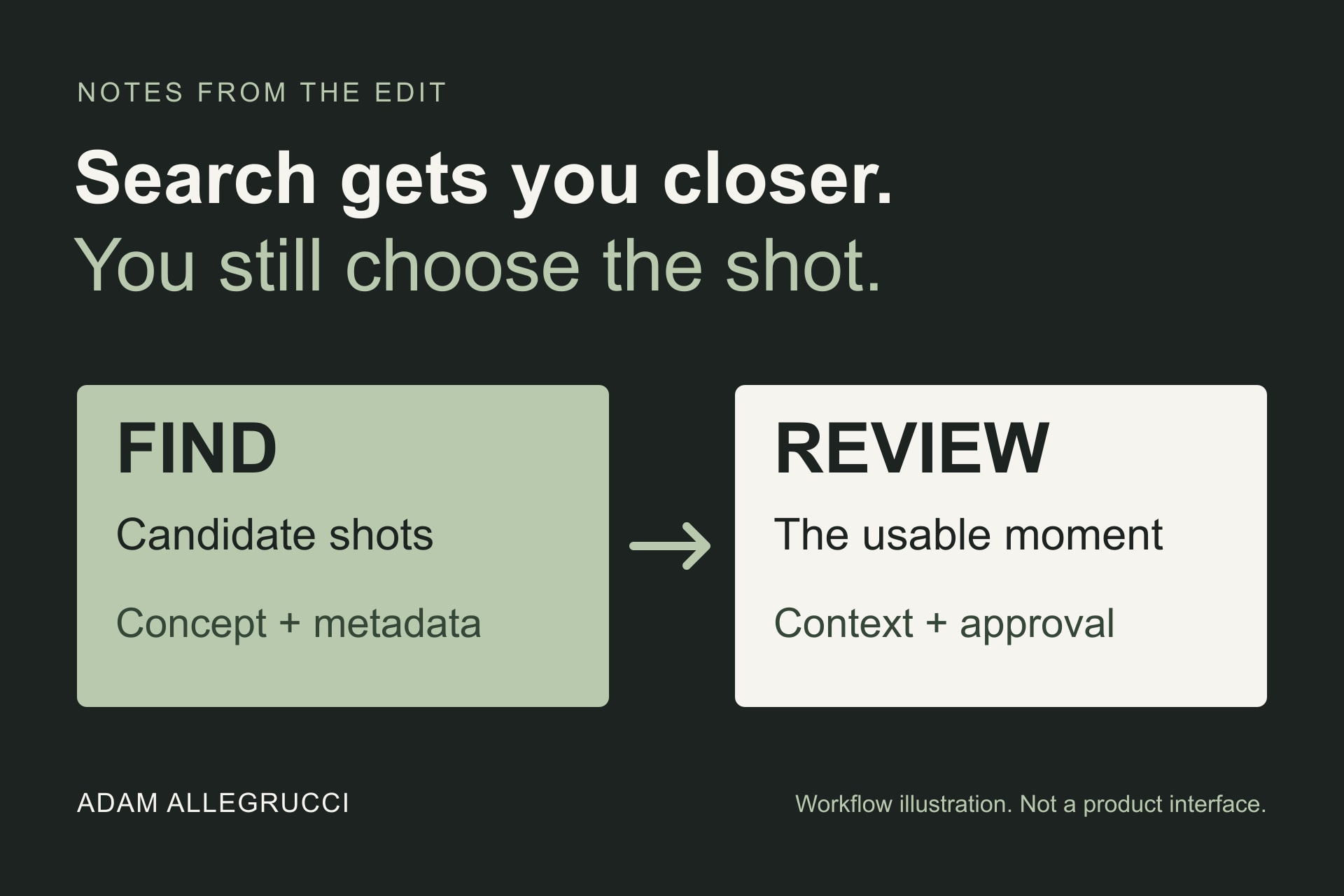
Finding footage can take longer than it should. You know roughly what you're looking for, but the filename doesn't tell you much and the folder has another hundred clips in it. A search that understands what's happening inside those clips would be useful. Especially when the project is rushed and there isn't time to watch everything again.
That's the practical part of NVIDIA's October 19 announcement about Frame.io. It describes searching footage by concept, action, or setting, then combining that with information such as notes, transcripts, and approval status. The interesting question is how that helps an editor get from a search result to a shot that actually belongs in the cut.
This is based on the companies' announcements, not a hands-on review. The workflow suggestions below are professional interpretation, separate from the reported features and performance numbers.
What's actually getting faster
In their October 15 announcement, Adobe and NVIDIA describe moving video decoding, preprocessing, and embedding generation onto GPUs in Frame.io's cloud pipeline. Embeddings are numerical representations used to help match content to a search. Making them faster helps media become searchable sooner.
The companies report approximately five times faster embedding generation and a four-to-five-times improvement in P95 processing latency on selected workloads. P95 describes the time within which 95 percent of processing jobs finish. Those are early vendor-reported results, not independent measurements or a promise that your entire edit will run five times faster.
That distinction matters. Uploading media, preparing it for search, returning results, and reviewing those results are different parts of the job. Improving one doesn't automatically remove the others. These cloud-processing figures also aren't a benchmark for your own editing computer.
A result still needs context
NVIDIA describes UFA using Frame.io to find moments within a large television archive, including reactions needed for recaps and flashbacks. Its example combines a description of a concerned character with a character name and an approval filter. That's more specific than asking a system to find something that simply looks sad.
For a smaller project, the same idea makes sense. Start with the visual need, then narrow it with information you already know. Someone listening in an interview. A wide shot of a particular location. An approved shot from the right campaign. These are suggested search approaches, not claims about tests or guaranteed results.
But a visually relevant result can still be wrong for the edit. The reaction may belong to a different question. The shot may look right but come from an older campaign. A clip's approval status may not answer whether it's cleared for the current use.
So the useful habit is to treat search as a way to get a shorter list. Open the source, watch around the moment, and check the project information before making the choice. Search can help locate a face or an action. It can't decide whether that moment tells the right story.
The search copy isn't the delivery file
Another detail in NVIDIA's October 19 report is a two-frame-per-second search proxy, described as about 80 percent smaller than the 360p version it replaces. That's a reduced representation for the search process. It isn't a claim that full-quality footage, editing proxies, or final exports have become 80 percent smaller.
For editors, the practical takeaway is to keep the search result connected to its source. Before committing to a shot, review the actual motion, focus, sound, and timing in an appropriate playback copy or original. A lightweight search representation and a usable editorial source have different jobs.
What to check before relying on it
A sensible evaluation would use a small, permitted set of footage with answers you can check yourself. Look for a known action, then something more ambiguous. Include two similar shots from different projects. See whether the results retain enough project and approval information to avoid choosing the wrong one.
Also check when a newly uploaded clip becomes searchable, what happens when nothing matches, and whether a result takes you to the relevant moment or just the file. Confirm current availability and account requirements with Frame.io before building a deadline around the announced capabilities. These announcements aren't a complete rollout guide.
Finding the shot sooner leaves more time for the editing and post-production work that follows. But the goal is a usable shot in the right context, not an impressive search result. That's the part worth paying attention to as these tools develop.