A stylized shot still has a job to do. The viewer needs to recognize the subject, follow the movement, and understand why that treatment belongs in the piece. Getting an interesting still frame is only the beginning.
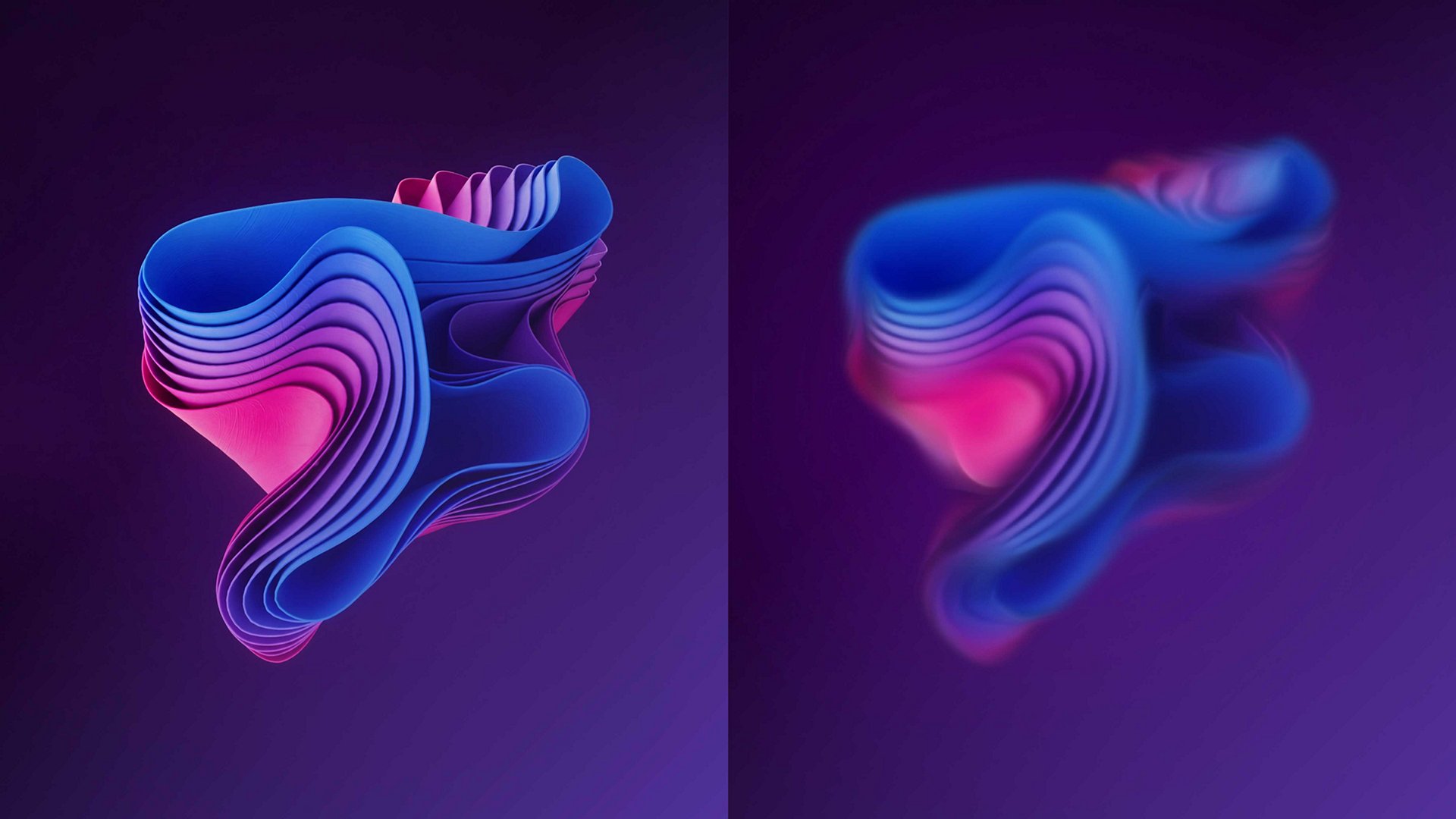
Contour Paint is one of the effects Adobe is currently showing in After Effects beta. It works with the contours in an image to create smeared shapes and simplified color fills. That could be useful for graphic treatments built from footage, provided the result still communicates what the shot needs to say.
This is a look at Adobe's documentation and some practical ways to evaluate the effect, not a hands-on review or a claim that I've used it on a client project.
What Contour Paint changes
Adobe's Contour Paint documentation describes an effect that finds edges, smears pixels along their flow, and can reduce the result to flatter areas of color. The controls include adjustments to the flow map, smearing, and color reduction, including a custom palette.
Adobe currently identifies it as a beta feature. The official example above illustrates the treatment; it isn't a test from my own work.
Start with what the shot needs to do
A practical place to begin would be a short section with a clear subject and a reason for changing its appearance. A transition into a graphic sequence might need a brief move away from photographic detail. An opening shot might need to sit more comfortably beside bold type or illustrated elements.
The point is to have a reason for the treatment before spending time adjusting it.
Keep an untreated version available for comparison. Look at whether the subject reads faster or takes more effort to understand. Check the relationship between the foreground and background. If everything has the same visual weight, simplifying the image may have made the composition harder to read.
It can also help to put the actual title or message over the shot early. A treatment that looks good by itself may compete with the words once the piece starts coming together.
Watch the motion, not just the frame
Adobe notes that its averaging-based posterization methods can change from frame to frame as the colors in the image change. That makes playback an important part of evaluating the look. It isn't evidence that every shot will have a problem.
Choose a section with subject movement, a camera move, or changing light. Watch at normal speed first. Then look more closely at the areas where the treatment seems to shift.
The useful question is whether those changes support the motion or draw attention away from it. A loose, changing texture could fit one piece and feel distracting in another. The intended style should decide that, not the fact that the effect can produce a more extreme setting.
Check several shots together too. A treatment that works on one simple composition may need a different approach when the next shot has a busy background or smaller subject.
Keep the important details readable
Faces, hands, products, and lettering can carry the information that makes a shot useful. Before increasing the abstraction, identify what needs to remain recognizable.
A selective treatment may be more useful than putting the same look across everything. For example, the background could carry more of the distortion while the subject remains clear. Plan that as a separate compositing decision.
Review the piece at the size people will actually see it. A full-screen preview can hide the fact that a small product or a line of type gets lost on a phone. Check the planned crops as well. The balance of a wide frame doesn't necessarily survive a square or vertical version.
Leave room for changes
For a beta experiment, keep a separate project copy and preserve the original media and untreated composition. Record the app build and settings so the test can be repeated. Render a short section before committing to a longer sequence, then inspect the exported file rather than relying only on the preview.
That's a useful boundary for editing and motion design work: explore a new treatment without making the whole delivery depend on an untested setup.
Contour Paint offers another way to shape the look of existing imagery. The worthwhile result is a treatment that fits the idea, holds together in motion, and leaves the message clear.